iPhone Games With Vector Graphics: Minimalist Design Done Right

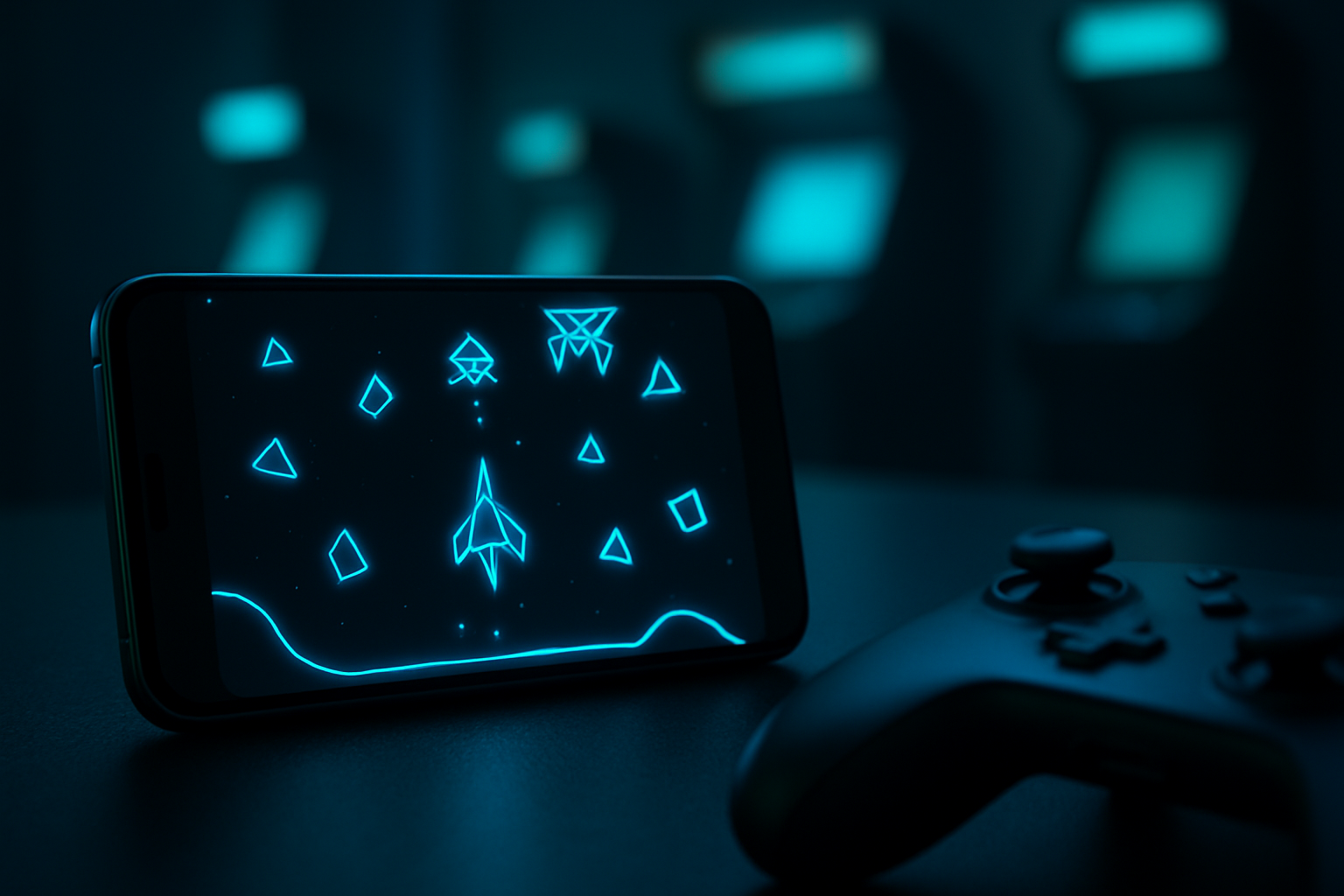
Photo by Google DeepMind on Unsplash
iPhone Games With Vector Graphics: Minimalist Design Done Right
Vector graphics on iPhone have a particular power: they strip away visual noise and force developers to nail gameplay, pacing, and feel. When a game lives or dies on clean lines and smart color choices, you’re not looking at a budget compromise—you’re looking at craft. This guide covers premium iPhone games built on vector aesthetics, from arcade lineage titles to modern indie work where minimalism is the whole point.
Why Vector Graphics Matter on iPhone
Vector graphics aren’t a visual limitation—they’re a design discipline. Unlike bitmap art, which can hide weak gameplay under visual polish, vector games live on mechanics. A clean circle, a bright line, and responsive input have to be enough. That constraint has produced some of the most intentional, replayable games on the platform.
Vector aesthetics also age better than high-fidelity 3D. A game built on geometric shapes and smart color theory from 2015 still looks current in 2026, while photo-realistic mobile games from the same era often feel dated. For indie developers working alone or in small teams, vector design scales—you can iterate fast, and you can ship a polished product without a 50-person art team.
On iPhone specifically, vector rendering is efficient. Games run smooth on older hardware, battery drain is minimal, and the aesthetic suits the screen’s brightness and color accuracy. It’s not a compromise; it’s a match.
Arcade Lineage: Vector Games That Honor the Originals
The cleanest vector games often trace back to arcade cabinets from the late 1970s and early 1980s. Those originals were vector-based—Asteroids, Battlezone, Tempest, and Defender all used vector monitors. Modern remakes that stick with that visual language aren’t being nostalgic; they’re being historically honest.
Asteroids: Recharged
The 1979 Asteroids arcade cabinet is the reference point for vector game design, and Asteroids: Recharged doesn’t try to reinvent it. The game respects the original’s pacing and control scheme while adding modern physics. Asteroids break into smaller pieces with realistic momentum; your ship’s inertia matters. The visual style is pure vector—white and bright colors on a dark field—but the gameplay rewards patience over twitch reflexes. The developer nailed the feel: your shots carry weight, rotation has drag, and momentum management becomes the core skill. If you want to understand why vector games endure, start here.
Thrust

Thrust is a Lunar Lander homage built on vector geometry and real Newtonian physics. You pilot a tiny ship down into gravity wells, managing fuel and momentum to grab cargo and escape. The controls are unforgiving by design—there’s no aim-assist, no invisible walls, no tutorial hand-holding. The aesthetic is pure vector: a wireframe ship, geometric terrain, and a single bright accent color. The game looks like it could run on 1980s hardware, but the physics simulation underneath is genuinely modern. It’s punishing and specific, which is exactly the point.
Geometry Wars 3: Dimensions
Geometry Wars 3 is neon vector chaos in 3D space. You’re a small geometric shape firing at waves of enemies made of bright lines and glowing shapes. The visual language is pure vector—no textures, no shadows, just color and geometry—but the game runs at 60 fps with hundreds of objects on screen. In Geometry Wars 3, the neon-green enemy bullets pop against the dark field, letting you track threats even at 60 fps. The design philosophy is arcade: clear visual hierarchy, instant feedback, and a learning curve that respects player skill. Newer players can survive a few waves; skilled players can chase high scores for hours.
Puzzle & Strategy: Vector Games Beyond Action
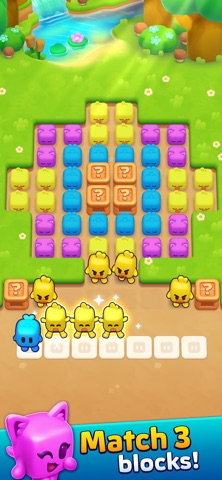
Vector design isn’t limited to arcade action. Some of the best puzzle and strategy games on iPhone use geometric simplicity to create elegant, replayable systems.
Threes!
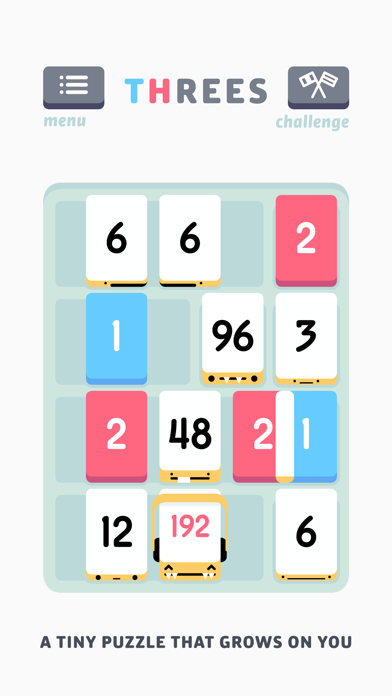
Threes! is a sliding-number puzzle where you combine tiles to reach higher values. The entire game is built on a grid of soft geometric shapes and a restrained color palette. No animation bloat, no particle effects—just tiles sliding and numbers updating. The vector aesthetic serves the gameplay: you can instantly read the board state, plan your next move, and understand why you made a mistake. The game’s difficulty comes from the puzzle logic, not from visual confusion. It’s meditative, replayable, and the kind of game you can pick up for five minutes or lose an hour to.
Duet

Duet is a rotating-circle puzzle where you guide two dots around obstacles by rotating a ring they’re attached to. The entire game is vector geometry: circles, lines, and color. The difficulty escalates from “move the ring to avoid a wall” to “time your rotation frame-perfectly to slip through a gap.” The vector aesthetic makes the challenge transparent—you can see exactly what you need to do, and the game doesn’t hide the solution behind visual noise.
Sci-Fi & Space: Vector Games With Narrative Depth
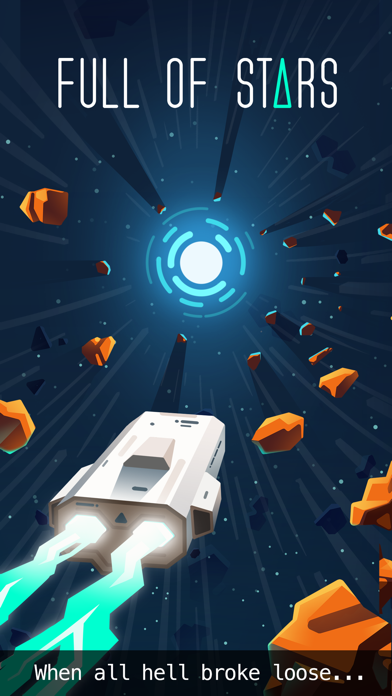
Some vector games pair geometric aesthetics with story or atmosphere. The result is often surprising: clean visuals don’t mean shallow experience.
A Space Odyssey
A Space Odyssey is a text-and-geometry narrative game about a space mission gone wrong. The visual style is pure vector—simple shapes representing ships, planets, and space stations—but the writing and pacing create genuine atmosphere. You make choices, manage resources, and watch the story unfold through minimal visuals and careful prose. The game proves that vector design can support narrative depth.
Cosmic Wheel Sisterhood
Cosmic Wheel Sisterhood is a tarot-deck-building game wrapped in vector art and mysticism. You’re designing a custom tarot deck and learning its meanings through conversation with a fortune-teller AI. The art style is geometric and hand-drawn, with a warm color palette and clean lines. The game is meditative, replayable, and the vector aesthetic matches the subject matter—tarot itself is a system of symbols and geometry.
Modern Indie: Vector Graphics as Creative Choice
The newest vector games on iPhone aren’t chasing retro nostalgia—they’re using vector design as a primary creative tool. Developers choose vector because it fits their vision, not because it’s a budget constraint.
Mini Metro
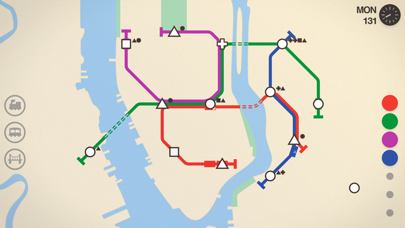
Mini Metro is a subway-system-building game where you draw lines to connect stations. The entire game is vector: stations are circles, lines are your routes, and trains are small geometric shapes. You’re managing a growing network under time pressure, making decisions about efficiency and coverage. The vector aesthetic isn’t decoration; it’s the game.
Alto’s Adventure

Alto’s Adventure is an endless-runner game where you ski down procedurally generated slopes. The visual style is minimalist vector: simple shapes representing mountains, trees, and sky, with a color palette that shifts throughout the day. The game has no score, no timer, no pressure—it’s about flow and moment-to-moment movement. The vector aesthetic creates a sense of calm even as the slopes get steeper.
What Makes Vector Graphics Work on iPhone
A few principles separate vector games that feel premium from those that feel like budget compromises:
Clarity over complexity. The best vector games have visual hierarchies that make the play space instantly readable. In Geometry Wars 3, the neon-green enemy bullets pop against the dark field, letting you track threats even when dozens of objects are on screen. There’s no visual clutter to hide weak design.
Color as information. Vector games often use bright, contrasting colors not for eye-candy but for function. In Mini Metro, different colored lines represent different subway routes, making it instantly clear which stations you’ve connected. Color coding helps you parse complex information fast.
Responsive input. Because vector games have less visual feedback than high-fidelity 3D, input response becomes critical. Your tap or swipe needs to feel immediate and weighty. The best vector games nail this.
Pacing and rhythm. Many vector games are built around rhythm—the pace at which threats appear, the timing of your inputs, the feedback cycle. Clean visuals make rhythm more apparent and more satisfying.
No filler. Vector games force developers to justify every element. If it’s on screen, it’s doing work. That discipline often produces tighter, more focused games than projects with bigger budgets.
Vector Graphics vs. Other Minimalist Aesthetics
Vector isn’t the only minimalist design language on iPhone. Understanding the difference helps you find games that match your taste.
Vector vs. Pixel Art: Pixel art mimics 8-bit and 16-bit game aesthetics using small colored squares. Example: Celeste. It’s nostalgic and charming, but it’s still a bitmap—it scales poorly on modern screens and often requires upscaling. Vector scales infinitely and looks sharp at any resolution.
Vector vs. Flat Design: Flat design uses solid colors and simple shapes without depth cues or shadows. Example: Two Dots. It’s similar to vector aesthetically, but flat design is often used in UI-heavy games while vector is more common in action games where you need responsive feedback.
Vector vs. Wireframe: Wireframe games use only outlines with no fill. Example: Battlezone 98. It’s a subset of vector design, often used to evoke arcade-monitor aesthetics. Wireframe is more limited visually but can feel more authentic to the original arcade era.
FAQ
Can I play vector games offline? Most vector games work offline once downloaded. Games like Asteroids: Recharged, Threes!, Duet, and Mini Metro require no internet connection. Some narrative games like A Space Odyssey may require an initial online activation but play offline afterward. Check the App Store listing for each game’s specific requirements.
Which vector games have no ads or IAP? Premium vector games with no ads or in-app purchases include Asteroids: Recharged , Threes! , Thrust , Duet , and Mini Metro . These are one-time purchases with no additional monetization. A Space Odyssey and Cosmic Wheel Sisterhood offer free trials but require purchase or subscription for full access.
Do vector games run better on older iPhones? Yes. Vector rendering is computationally lighter than 3D rendering, so vector games typically run smoothly on older hardware. If you have an iPhone 8 or older, vector games are often a better bet than modern 3D titles.
Are all vector games arcade-style? No. While vector design has arcade roots, it’s used in puzzles, strategy games, narrative games, and even runners. The aesthetic is versatile; the games that use it best match the visual style to the gameplay.
How do I find more vector games on the App Store? Search for “vector graphics,” “minimalist,” or “arcade.” Read reviews that mention visual style. Follow indie game outlets like TouchArcade or r/iosgaming, where vector games get covered regularly.
Finding Your Vector Game
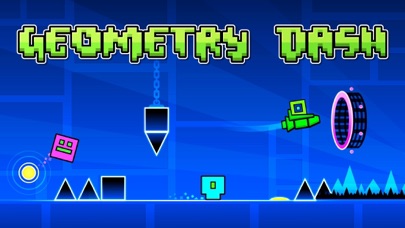
Vector graphics on iPhone represent a design philosophy: clarity, intention, and respect for the player’s time and attention. The best vector games aren’t chasing a bygone era—they’re using a proven visual language to build games that feel immediate and replayable.
Start with the picks above based on what you’re in the mood for: arcade action, puzzle strategy, or sci-fi atmosphere. Then explore deeper. Vector games are common enough that you’ll find new ones regularly, but specific enough that each one feels intentional. In a platform crowded with free-to-play noise, vector games are a signal that a developer cared about craft.
For more on the arcade games that inspired these vector titles, check out iPhone Games Inspired by 80s Arcade: Modern Homages. If you want to explore other minimalist aesthetics, see Retro Arcade iPhone Games That Actually Feel Premium. For budget-conscious players, our guide to best iphone games under 5 dollars covers many of these vector titles alongside other premium picks.